macOS
Video Editing for Mac
Top video editing software choices specifically for macOS users, with deep integration into the Apple ecosystem.
Mac-Native Editing Tools
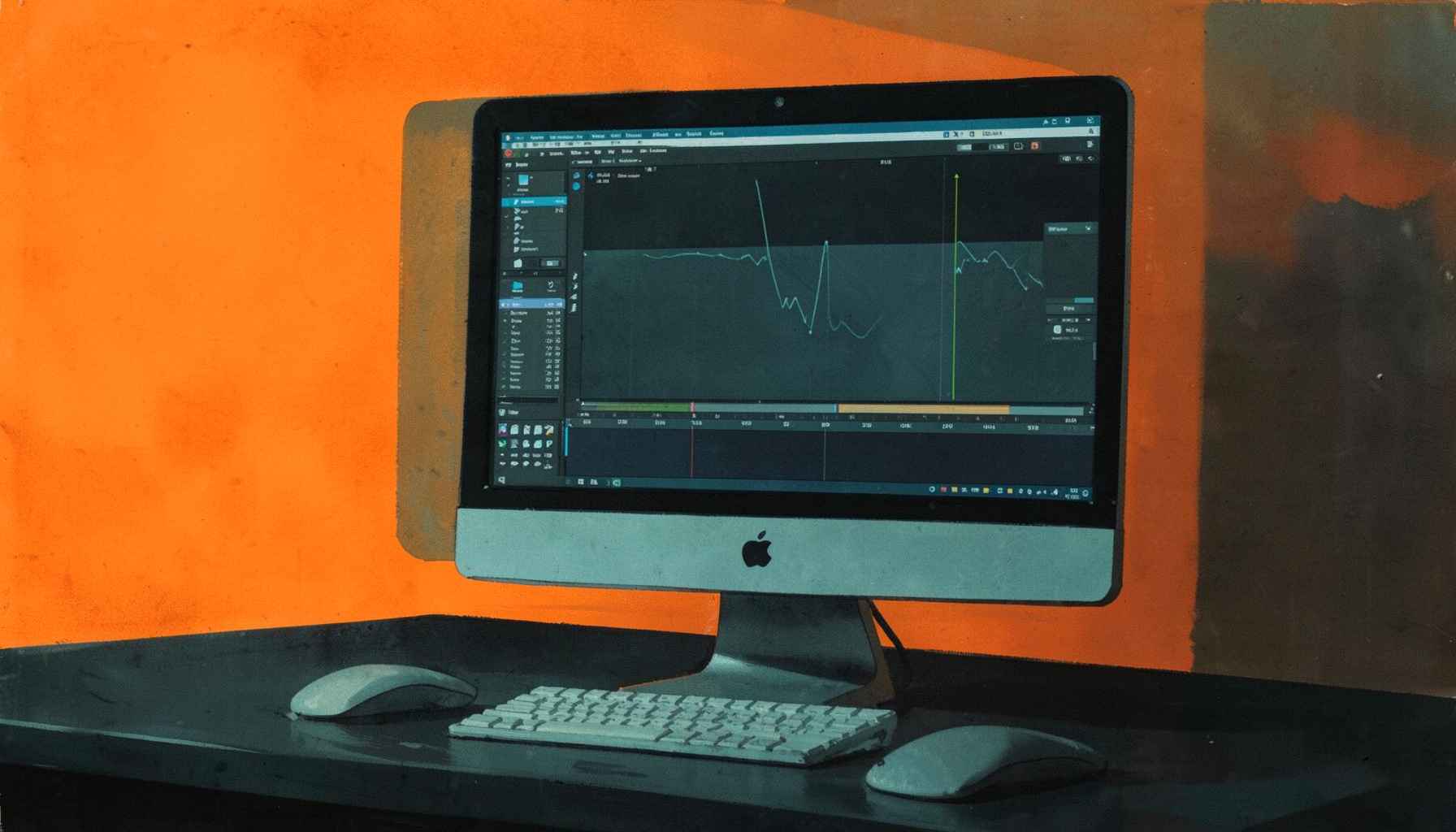
macOS offers a strong lineup of video editing applications — from Apple's own free tools to professional-grade suites. These editors take advantage of Metal acceleration, tight iCloud integration, and the seamless hardware-software pairing that Mac users rely on for smooth editing workflows.
When choosing video editing software for macOS, the key advantage lies in how deeply these applications integrate with the operating system. Mac-native editors take full advantage of Metal graphics acceleration, which dramatically speeds up rendering and real-time playback. This means smoother timeline scrubbing, faster export times, and the ability to work with high-resolution footage without constant stuttering. Whether you are cutting together a quick social media clip or assembling a longer project with multiple layers, the hardware-software synergy on a Mac makes the editing experience noticeably more fluid. Many editors also support the full range of professional codecs and formats, so importing footage from cameras or mobile devices is virtually seamless from the start.
For users who want a powerful yet accessible editing environment, the macOS ecosystem offers tools that scale from beginner-friendly to professional-grade. Applications like iMovie provide an excellent entry point with straightforward trimming tools, transitions, and basic color adjustments, all wrapped in an intuitive interface. From there, editors can graduate to more advanced suites that offer multi-cam editing, sophisticated audio processing, and granular control over effects and keyframes. The consistent design language across Apple's creative applications means that learning one tool often translates into familiarity with another. This gradual learning curve allows creators to build their skills without being overwhelmed by a steep jump in complexity.
Performance optimization is a central consideration when editing video on a Mac. Modern video editing software for macOS is built to leverage Apple Silicon processors, which deliver impressive gains in both speed and energy efficiency. This means you can edit multiple streams of 4K footage, apply real-time color grading, and work with complex composite shots without the system slowing down or overheating. The unified memory architecture in newer Macs also helps when handling large project files and high-bitrate video. Beyond raw power, the software often includes intelligent caching and background rendering features that keep the editing process responsive, allowing you to focus on the creative decisions rather than waiting for the application to catch up.
Collaboration and sharing are also streamlined on macOS, thanks to tight integration with iCloud and other Apple services. Many video editing applications allow you to save projects to the cloud, making it easy to move between your Mac, iPad, or even iPhone for quick edits on the go. Export presets are optimized for popular platforms, so you can deliver finished videos in the right format for YouTube, social media, or personal archiving with just a few clicks. The ability to share libraries, effects presets, and project templates across devices saves time and ensures consistency. For teams working on larger productions, these workflow features reduce friction and let creators focus on telling their story rather than managing file transfers.
- Optimized for Apple Silicon and Intel Macs with Metal graphics acceleration
- Integration with iMovie, Final Cut Pro, and the broader Apple ecosystem
- Support for ProRes, HEVC, and high-resolution formats out of the box
- Options ranging from free built-in apps to premium professional suites
Popular Mac Video Editors

iMovie
Apple's free, built-in video editor for macOS. Simple drag-and-drop timeline, 4K support, and seamless sharing to YouTube, Vimeo, and across Apple devices via iCloud.

Final Cut Pro
Apple's professional-grade editor with a magnetic timeline, advanced color grading, 360° VR editing, and multi-cam support. Optimized for Mac Pro, iMac Pro, and MacBook Pro.

Adobe Premiere Pro
Industry-standard cross-platform editor available on macOS with native Apple Silicon support. Extensive plugin ecosystem and tight integration with After Effects and Photoshop.

DaVinci Resolve
Professional color grading and editing suite with a free version that rivals paid tools. Full Metal acceleration on macOS and support for HDR workflows.
Find the Right Editor for Your Workflow
Explore our full guides covering Windows, Linux, and online editors to compare every option.
Browse All Guides